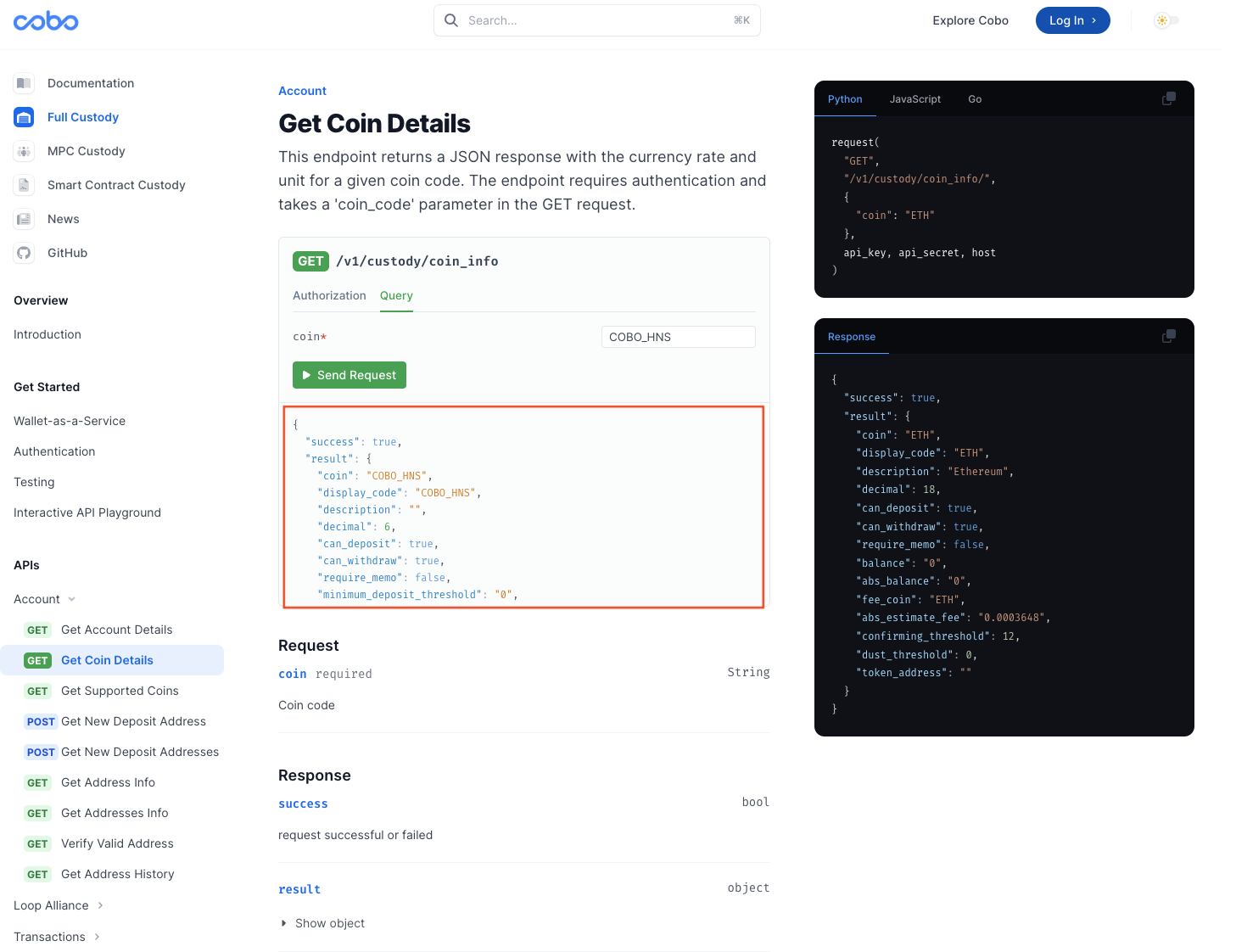
> ## Documentation Index
> Fetch the complete documentation index at: https://cobo-docs-feature-cobo-cli.mintlify.site/llms.txt
> Use this file to discover all available pages before exploring further.
# API Playground
> Explore API endpoints directly in your browser with our API Playground
This content applies to WaaS 1.0 only. We highly recommend that you upgrade to [WaaS 2.0](https://www.cobo.com/developers/v2/guides/overview/introduction).
## Introduction
The interactive API Playground is a feature designed specifically for developers who require quick understanding of API responses,
enabling them to browse and interact with the endpoints.
**To use this feature, you must first create a Cobo Custody account in the development environment and use the corresponding API Key.**
Kindly note that accounts and API Keys\* from the production environment are not compatible with the API Playground.
Once your account is set up in the development environment, you'll need to configure the corresponding API-KEY and API-SECRET.
This article provides a step-by-step guide on how to complete these setup processes.
Before you proceed, kindly make sure that you have already completed the following prerequisites:
1. Created a Cobo Custody account in the development environment
2. Successfully generated an API-KEY and an API-SECRET
3. Successfully added your API-KEY on the Cobo Custody Web platform
For security reasons, please NEVER input your API Secret from the production environment while using the API Playground.
## How to Use API Playground
**1. Locate the API endpoint you wish to test:**
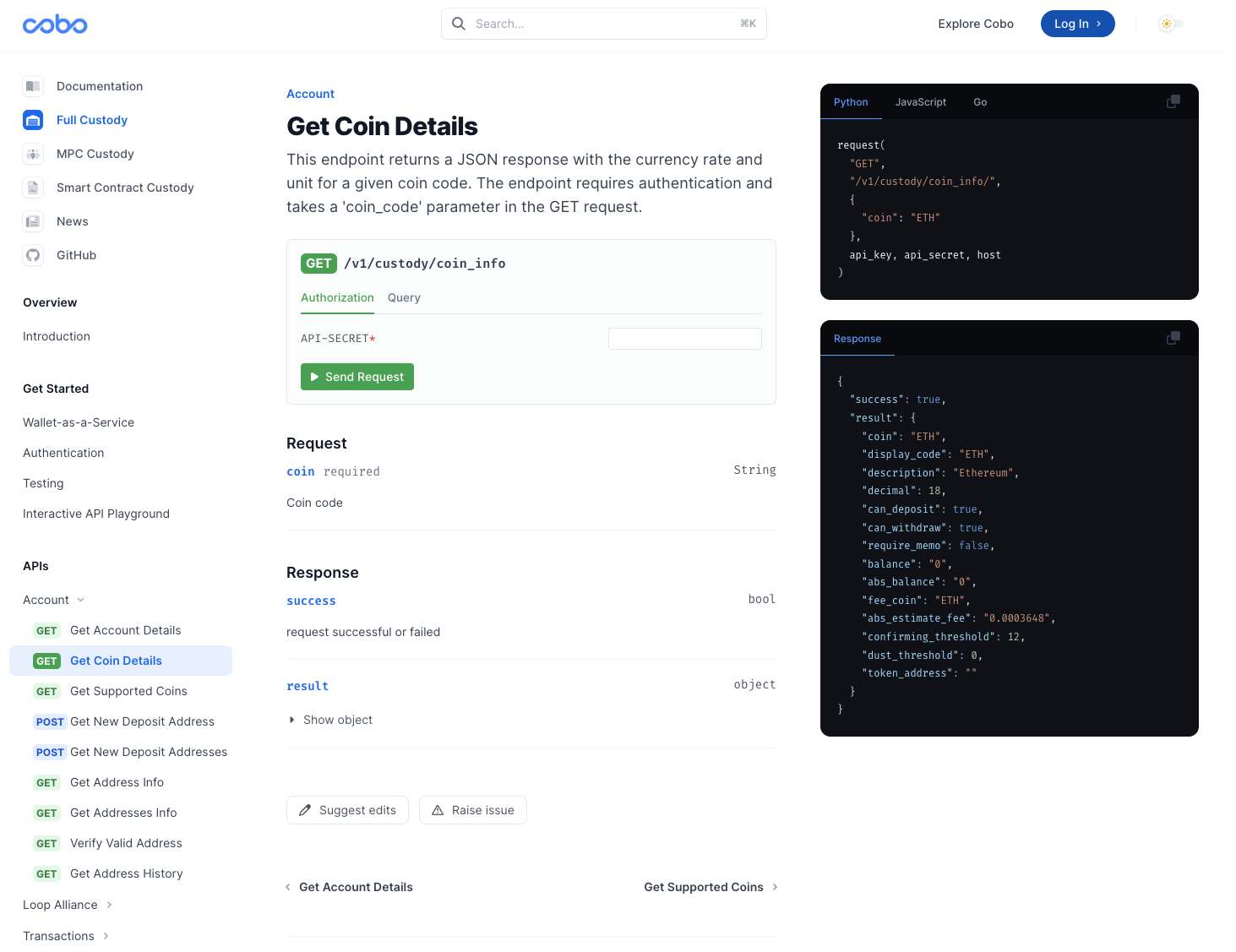 **2. Enter your private key into the "API-SECRET" field:**
API Playground only supports the development environment. For security reasons, NEVER input your API Secret from the production environment while using the API Playground.
**2. Enter your private key into the "API-SECRET" field:**
API Playground only supports the development environment. For security reasons, NEVER input your API Secret from the production environment while using the API Playground.
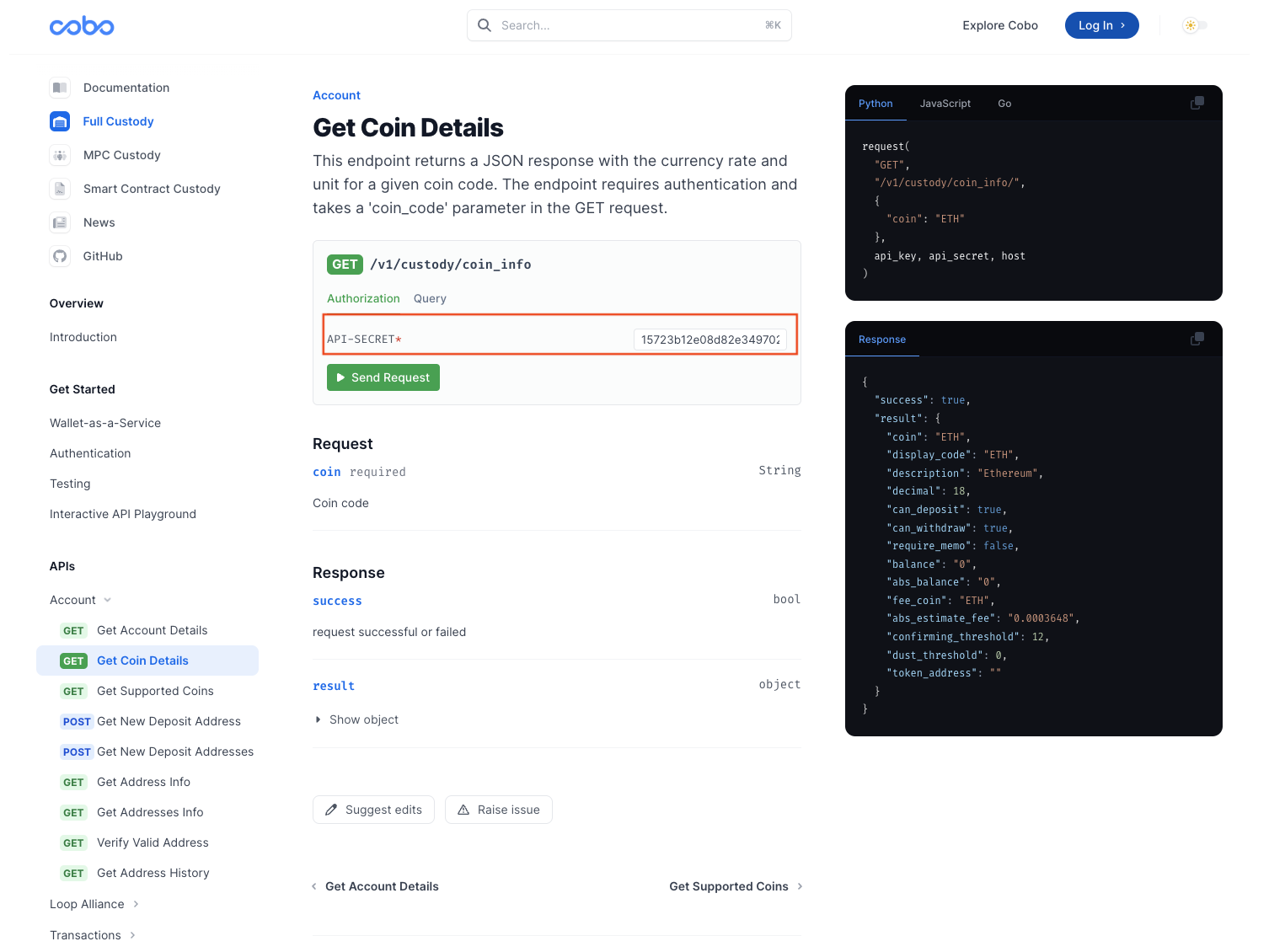 **3. Enter the API parameters:**
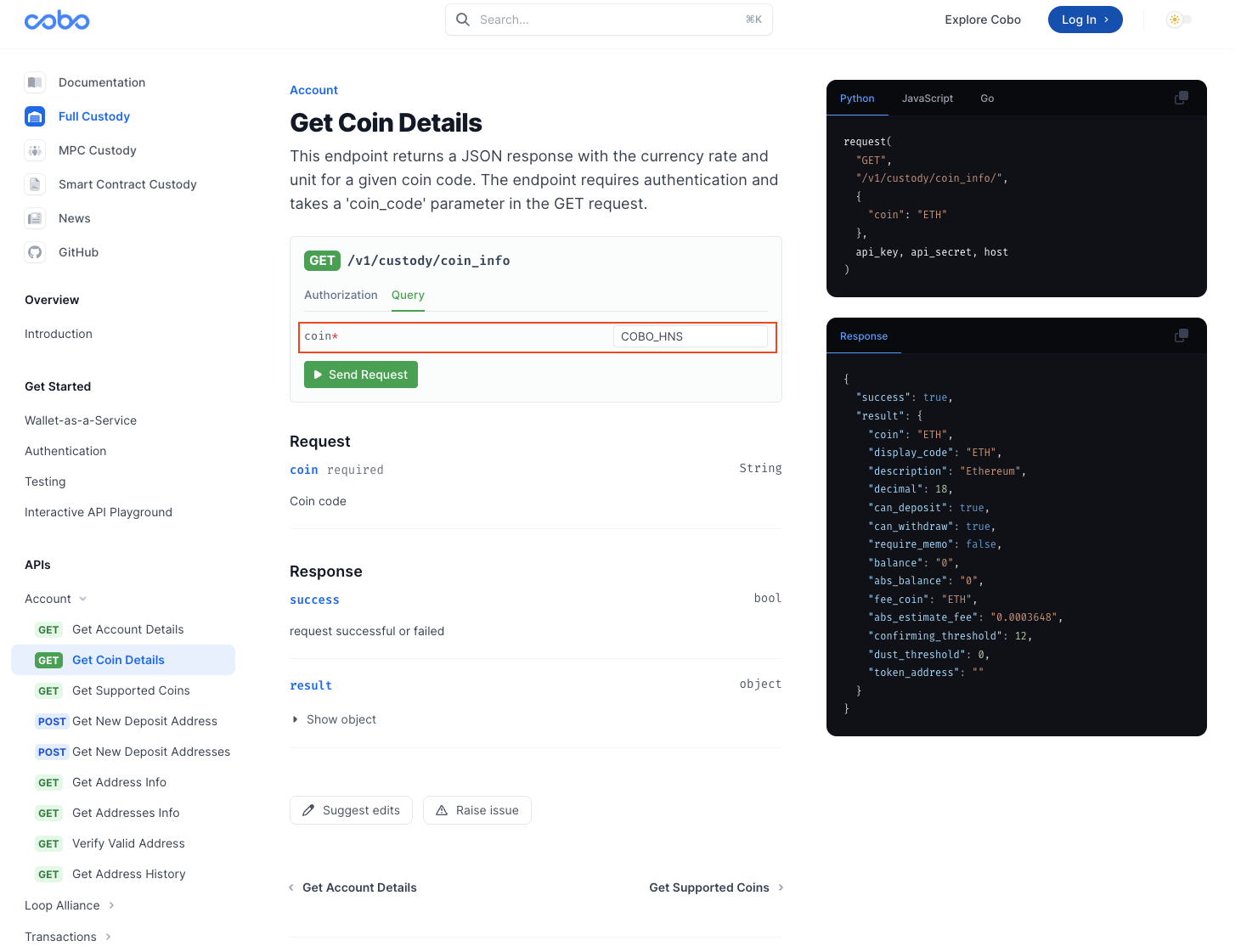 **4. Click the "Send Request" button to receive API responses directly.**